 B6 Brief
The BlueBrief home page sometimes displays topics that I feel are not completely understood or known. The following is an archive of those past topics.
Remember, your FOM / FCOM always has priority.
Torq-Set Screws
As you do your Airbus walk-around, you’ll notice hundreds of screws securing a variety of access panels and other things. While from a distance these appear to be Phillips screws, they are actually Torq-Set screws.
Notice there is a slight twist in the bit pattern and in the screw head. This allows more surface area when removing the fastener.
.3 RNP & RNAV Visuals – A320/321
Remember, for RNAV Visuals, it is not required to enter .3 RNP on the PROG page during the setup, unless “.3 RNP Required” is shown on the approach chart. Entering the .3 RNP simply triggers the “Accuracy Low. GPS Primary Lost” message. On all RNP approaches, and selected RNAV approaches in some cases, this would require a missed approach, but not on an RNAV Visual.
Bottom line: .3 RNP is required on any RNAV or RNP instrument approach. The RNAV Visual is not an instrument approach.
Lowest Usable Flight Levels
Here’s a really useless fact. On the CAMRN # Arrival into JFK, there is a note that we all know about: expect to cross HOGGS at FL180 or the lowest usable flight level.
When the altimeter setting is below 29.92, FL180 is not usable, so we use FL190. The little known part is that this is based on the altimeter setting at ACY, not JFK. So during your setup, if the JFK altimeter setting is close to 29.92 and you want to be a step ahead, check the ACY ATIS for the final decision or to avoid some confusion.
Landing and Takeoff Data: Wet or Dry?
This is not really a little known fact, but worth thinking about. For takeoff, Aerodata defaults to a DRY runway, and you must manually select WET for a wet runway, but the TLR numbers are based on a WET runway, should you need to use those. For landing, it’s just the opposite: Aerodata defaults to a WET runway (RCC=5), and you must select DRY (RCC=6) if you need dry numbers. It is perfectly OK to use WET numbers on a DRY runway for landing, but keep in mind you have the option of forcing it to DRY, RCC=6, if needed — for example, for a short runway, at max landing weight, on a hot day.
Another reason to use RCC 6 for landing is if LAHSO (Land and Hold Short) operations are in use. Remember, LAHSO is only approved on DRY runways.
Land and Hold Short Operations (LAHSO)
All of the following criteria must be met to accept LAHSO:
- Landing distance no less than 6,000 ft.
- Ceiling and visibility must be greater than 1,000 & 3.
- No windshear reported in the last 20 minutes.
- No tailwind.
- Dry runway.
Airbus Torque Link Damper
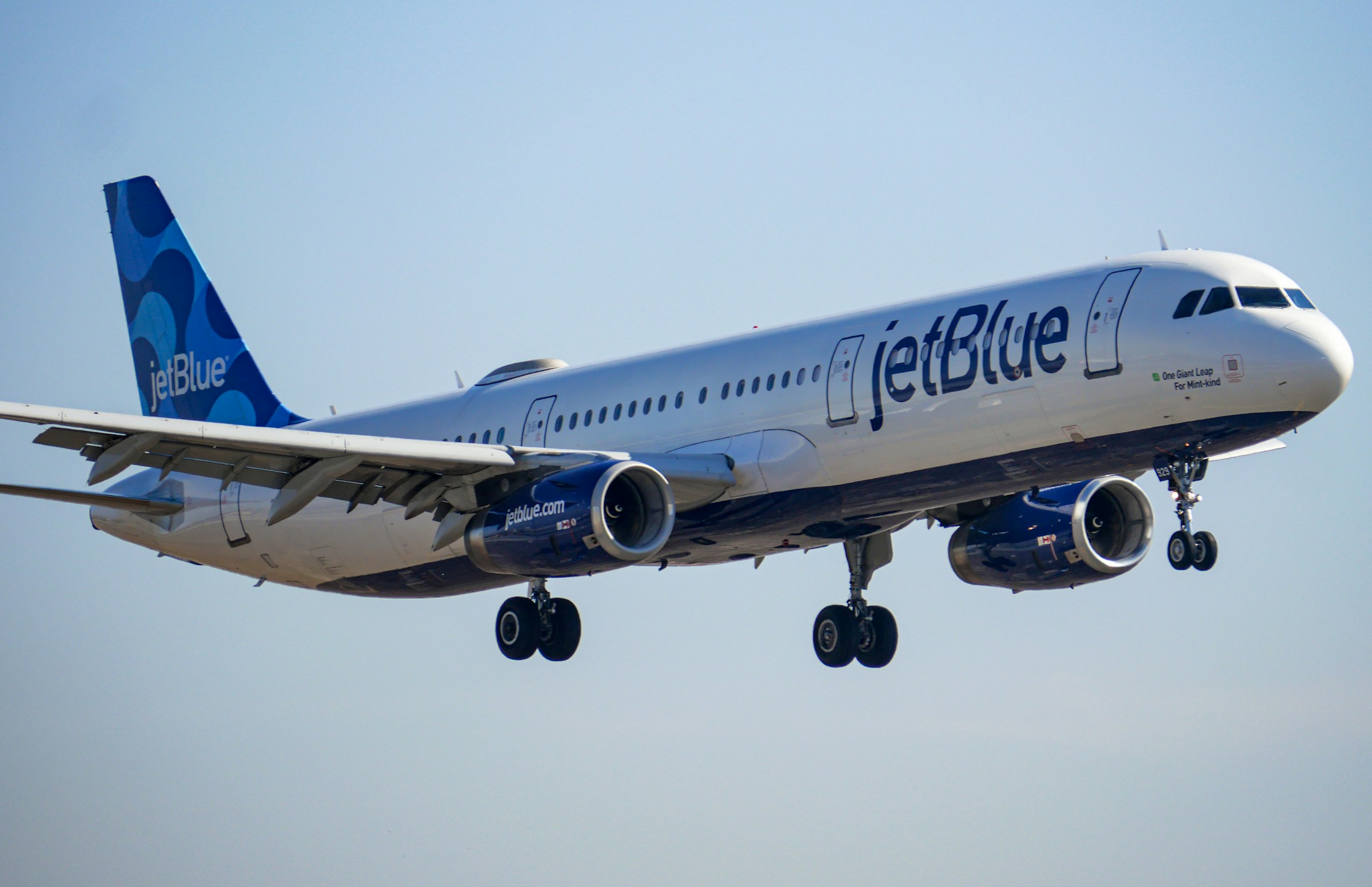
While doing your Airbus preflight walkaround, you’ll notice an item to check is the torque link damper at each main landing gear. Have you ever wondered what this is really for?
It’s easy to spot, as it looks like a large can of Sterno you may have used to keep your beans warm at your last tailgate party.
Each main gear has an upper and lower torque link — the triangular items with a hole in the middle. Where they are connected, this damper is attached to control the strut activity during landing and limit the touchdown to as few strut compressions as possible. Basically, it absorbs any vibrations that can occur, even on a good smooth landing.